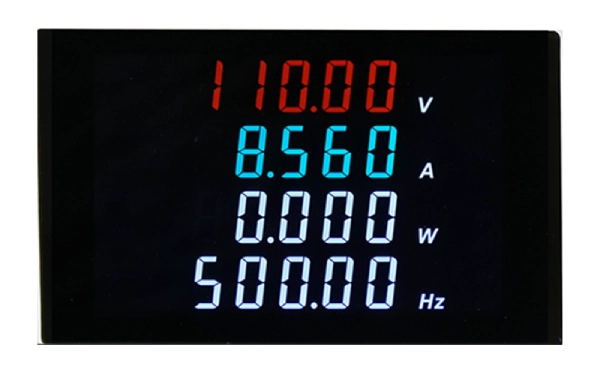
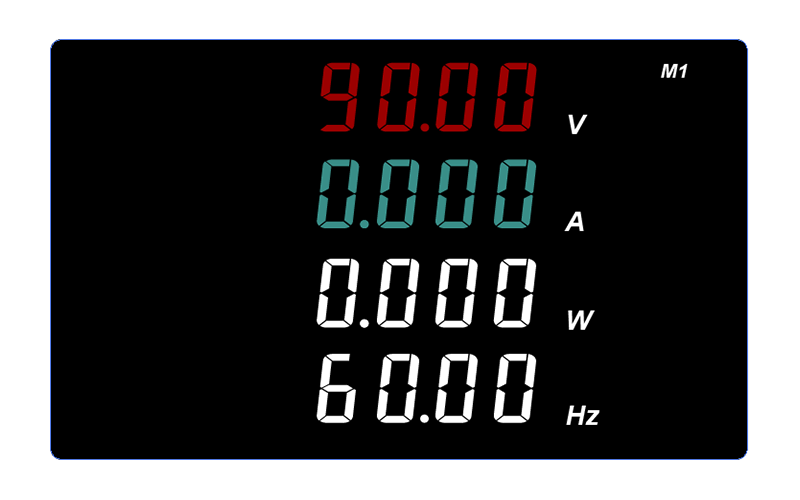
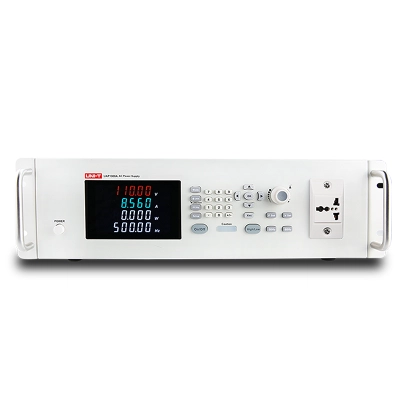
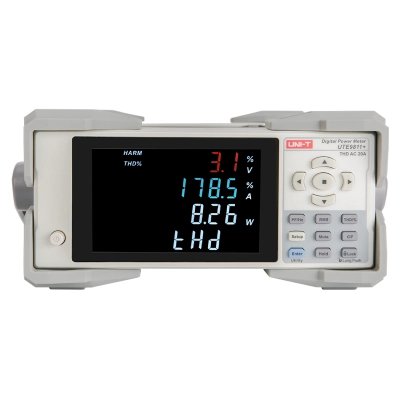
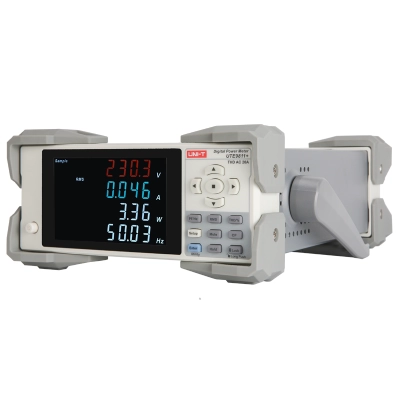
Four windows display
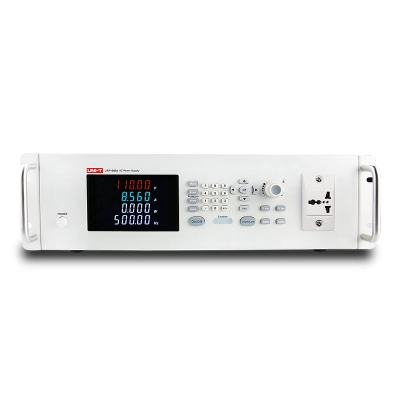
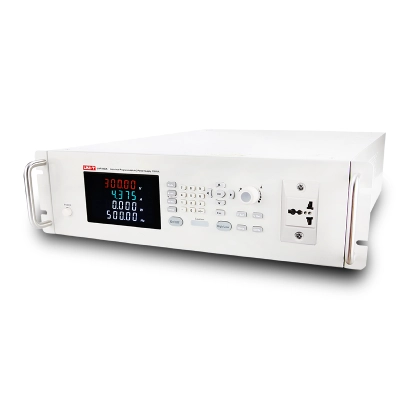
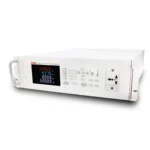
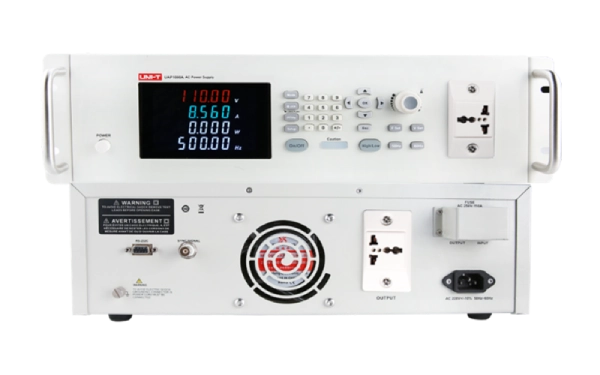
These two AC sources have four window display function. The requirement of simultaneous observation of multiple parameters can be realized. It saves time for parameter switching and reading
9 groups of presets
UAP500A/1000A provides 9 sets of parameter presets. Common parameters can be pre stored and quickly retrieved during use to improve test efficiency.
Remote control
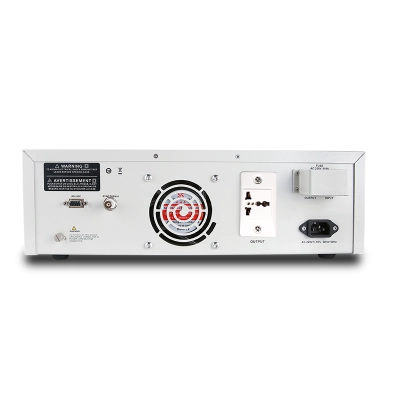
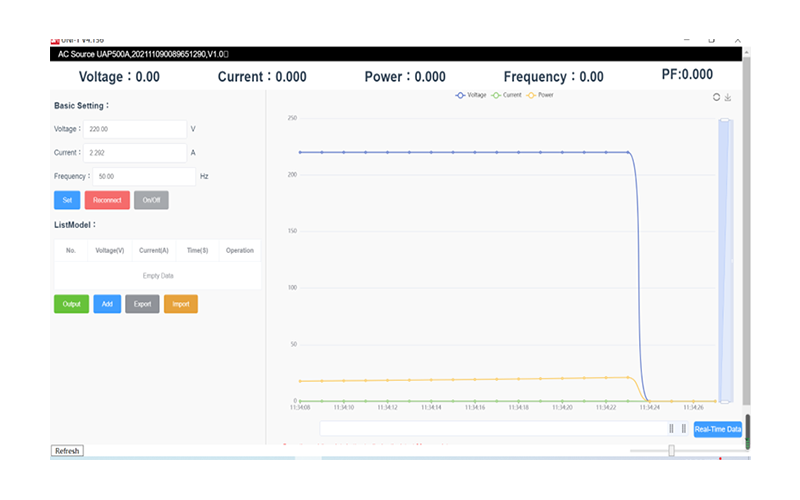
UAP500A/1000A is equipped with RS232 communication interface. SCPI and MODBUS protocols are supported. You can use the upper computer provided by us for remote control, or you can write control programs freely and integrate them into your automation system.
Numeric keys
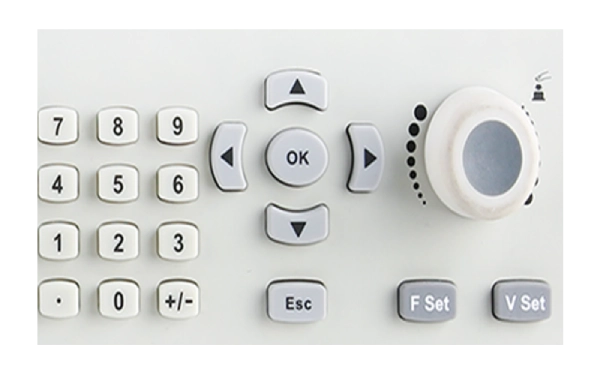
The power supply of this series has numeric keyboard, knob, and direction key, which can effectively speed up the speed of parameter setting and simple operation.
Delay output
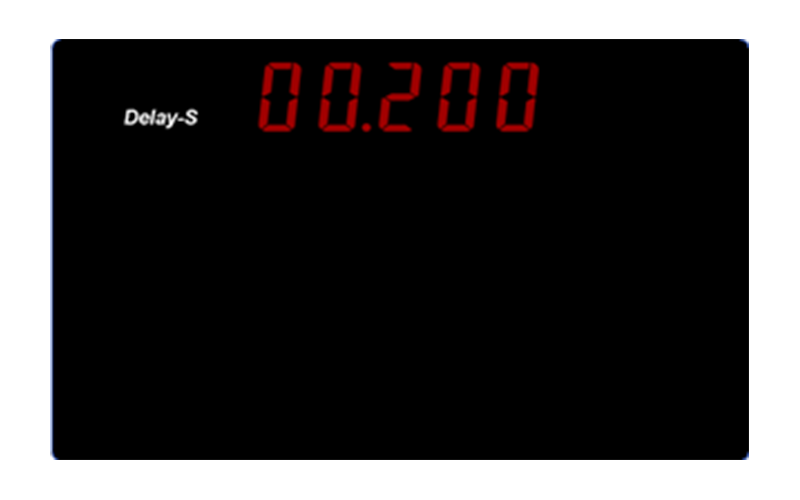
UAP500A/1000A has the function of output delay to slowly raise the output voltage to the target value. Protect the tested products. It is very suitable for testing some surge sensitive products.
One key switching H/L voltage
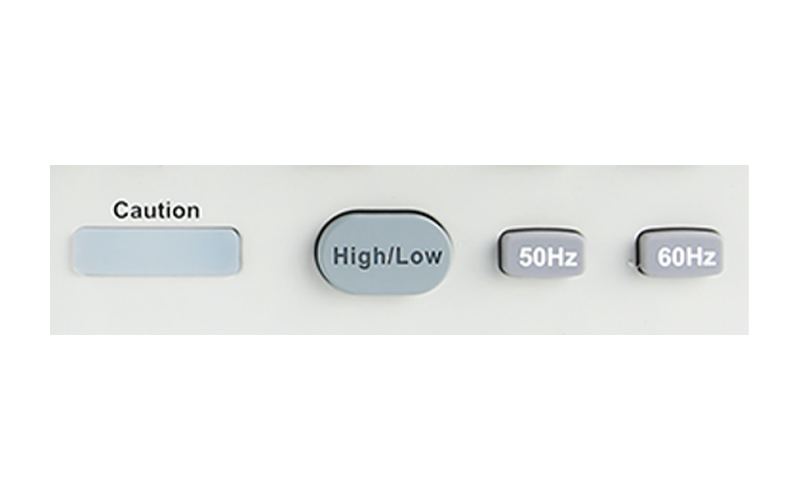
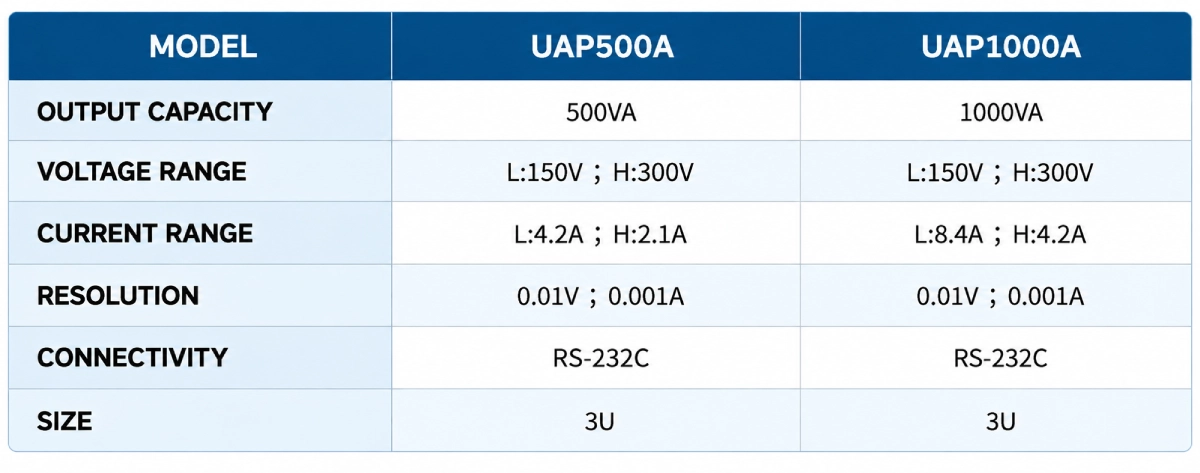
This series of AC source has two voltage levels: high section and low section. One key switching high and low voltage output. Full range adjustable output voltage 0-150V / 0-300V.
Dual output
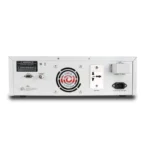
UAP500A/1000A is equipped with front and rear output sockets. You can freely choose front wiring or rear wiring according to the test environment.

Maintenace and Cleaning
(1) General Maintenance
Do not store or put the instrument under direct sunlight for a long time, especially the LCD display panel. Caution: Sprays, liquids or solvents are not allowed for the instrument or probe to avoid damage to the instrument or the probe.
(2) Cleaning Check the instrument and probe frequently according to the operating conditions. Fellow the steps to clean the surfaces of the instrument.
Please use a soft cloth to wipe dust on the surface of the instrument and probe. When cleaning the LCD panel, be careful not to scratch the transparent protective film.
Power off the instrument first and wipe the instrument with a soft cloth.Use a mild detergent or water to clean if necessary.
Do not use any abrasive chemical cleaners as they may damage the instrument or the probe.
Warning: Make sure the instrument is completely dry before rebooting. Moisture may cause electrical short-circuit or even personal injury!
(2) Cleaning Check the instrument and probe frequently according to the operating conditions. Fellow the steps to clean the surfaces of the instrument.
Please use a soft cloth to wipe dust on the surface of the instrument and probe. When cleaning the LCD panel, be careful not to scratch the transparent protective film.
Power off the instrument first and wipe the instrument with a soft cloth.Use a mild detergent or water to clean if necessary.
Do not use any abrasive chemical cleaners as they may damage the instrument or the probe.
Warning: Make sure the instrument is completely dry before rebooting. Moisture may cause electrical short-circuit or even personal injury!
Why is there no waveform output from the signal generator?
Correct settings but no waveform output
1) Check whether the BNC cable is properly connected to the channel output.
2) Check whether the key CH1 or CH2 is turned on.
3) Save the current settings of the instrument to a USB flash drive and "restore factory settings", then restart the instrument.
4) If the instrument still can't work normally, please contact your UNI-T dealer or local offices for support.
1) Check whether the BNC cable is properly connected to the channel output.
2) Check whether the key CH1 or CH2 is turned on.
3) Save the current settings of the instrument to a USB flash drive and "restore factory settings", then restart the instrument.
4) If the instrument still can't work normally, please contact your UNI-T dealer or local offices for support.
Why the signal generator cannot recognize U disk?
1) Check whether the USB flash drive device is working properly.
2) Make sure you are using Flash type USB flash drive device, this instrument does not support hard disk type USB flash drive device.
3) Restart the instrument and insert the USB flash drive again to see if it works properly.
4) If the USB flash drive still can not be recognized, please contact UNI-T dealer or local office and let us serve you.
2) Make sure you are using Flash type USB flash drive device, this instrument does not support hard disk type USB flash drive device.
3) Restart the instrument and insert the USB flash drive again to see if it works properly.
4) If the USB flash drive still can not be recognized, please contact UNI-T dealer or local office and let us serve you.
No screen display(blank screen)
If the generator still remains blank screen when power on.
1) Check whether the power supply is connected properly.
2) Check whether the power switch on the rear panel is set to "I".
3) Check whether the power switch on the front panel is connected .
4) Restart the instrument.
5) If the instrument still can't work normally, please contact your UNI-T dealer or local offices for support.
1) Check whether the power supply is connected properly.
2) Check whether the power switch on the rear panel is set to "I".
3) Check whether the power switch on the front panel is connected .
4) Restart the instrument.
5) If the instrument still can't work normally, please contact your UNI-T dealer or local offices for support.
Why is four-wire measurement used in resistance testing? What is the difference compared to two-wire measurement?
When testing smaller resistance, in order to avoid the influence of the wire's internal resistance on the measurement results, the four-wire system is generally used to measure resistance. When the resistance is higher than about 1kΩ, it can ignore the wire's internal resistance and use the two-wire method to measure resistance.
What are the difference between UT800 and UT8000 series?
1、The UT8000 series equipted with 4.3 inches TFT LCD panel while UT800 series got EBTN LCD panel①
2、The maximum data gruop for UT8000 is 20,000. while only 10,000 data gruops for UT800.
3、The maximum test speed of UT8000 is 5000/s as for UT800 is 100/s.
4、UT8000 interfaces: USB, RS232 and LAN, also with standard protocol; UT800 interfaces: USB and RS232
5、UT8000 series has more advanced measurement functions, mathematical operations and arbitrary sensor measurement
2、The maximum data gruop for UT8000 is 20,000. while only 10,000 data gruops for UT800.
3、The maximum test speed of UT8000 is 5000/s as for UT800 is 100/s.
4、UT8000 interfaces: USB, RS232 and LAN, also with standard protocol; UT800 interfaces: USB and RS232
5、UT8000 series has more advanced measurement functions, mathematical operations and arbitrary sensor measurement
What do the SER and PAR characters displayed on the device represent and how can they be used?
The SER (Series) and PAR (Parallel) modes of the UT8803E digital multimeter are primarily used for measuring capacitance (C), inductance (L), and resistance (R). These modes should be selected based on the impedance characteristics of the component under test. Choosing the appropriate mode improves measurement accuracy and helps prevent errors:
Low impedance (≤ 1 kΩ) → Use SER mode
(Such as, electrolytic capacitors, small inductors, low-resistance resistors)
High impedance (≥ 10 kΩ) → Use PAR mode
(Such as: film capacitors, high-resistance resistors, insulating materials)
Need Help?
We are here!

Download Brochure